Latitude
Integrate Agno with Latitude to send traces and gain insights into your agent's performance.
Integrating Agno with Latitude
Latitude is an open-source observability and evaluation platform for LLM applications. By instrumenting Agno with OpenInference and exporting OpenTelemetry traces to Latitude, every agent run, tool call, and model call becomes a span you can inspect, search, and evaluate. Token usage, cost, latency, and full input/output are captured automatically.
Set OpenAI Key
Set your OPENAI_API_KEY as an environment variable. You can get one from OpenAI.
export OPENAI_API_KEY=sk-***Prerequisites
-
Install Dependencies
Ensure you have the necessary packages installed:
uv pip install agno openai yfinance opentelemetry-sdk opentelemetry-exporter-otlp openinference-instrumentation-agno -
Setup Latitude Account
- Sign up for an account at Latitude (or self-host).
- Create a project and copy its slug.
- Obtain an API key from the project's settings.
-
Set Environment Variables
Configure your environment with the Latitude credentials:
export LATITUDE_API_KEY="your-api-key"
export LATITUDE_PROJECT="your-project-slug"
Sending Traces to Latitude
Example: Using Latitude with OpenInference
Instrument your Agno agent with OpenInference and send traces to Latitude's OpenTelemetry ingestion endpoint.
import os

from agno.agent import Agent
from agno.models.openai import OpenAIResponses
from agno.tools.yfinance import YFinanceTools
from openinference.instrumentation.agno import AgnoInstrumentor
from opentelemetry import trace as trace_api
from opentelemetry.exporter.otlp.proto.http.trace_exporter import OTLPSpanExporter
from opentelemetry.sdk.trace import TracerProvider
from opentelemetry.sdk.trace.export import SimpleSpanProcessor

# Point the OTLP exporter at Latitude's ingestion endpoint
os.environ["OTEL_EXPORTER_OTLP_ENDPOINT"] = "https://ingest.latitude.so"
os.environ["OTEL_EXPORTER_OTLP_HEADERS"] = (
    f"Authorization=Bearer {os.getenv('LATITUDE_API_KEY')},"
    f"X-Latitude-Project={os.getenv('LATITUDE_PROJECT')}"
)

# Configure the tracer provider
tracer_provider = TracerProvider()
tracer_provider.add_span_processor(SimpleSpanProcessor(OTLPSpanExporter()))
trace_api.set_tracer_provider(tracer_provider=tracer_provider)

# Start instrumenting agno
AgnoInstrumentor().instrument()

# Create and configure the agent
agent = Agent(
    name="Stock Price Agent",
    model=OpenAIResponses(id="gpt-5.2"),
    tools=[YFinanceTools()],
    instructions="You are a stock price agent. Answer questions in the style of a stock analyst.",
    debug_mode=True,
)

# Use the agent
agent.print_response("What is the current price of Tesla?")
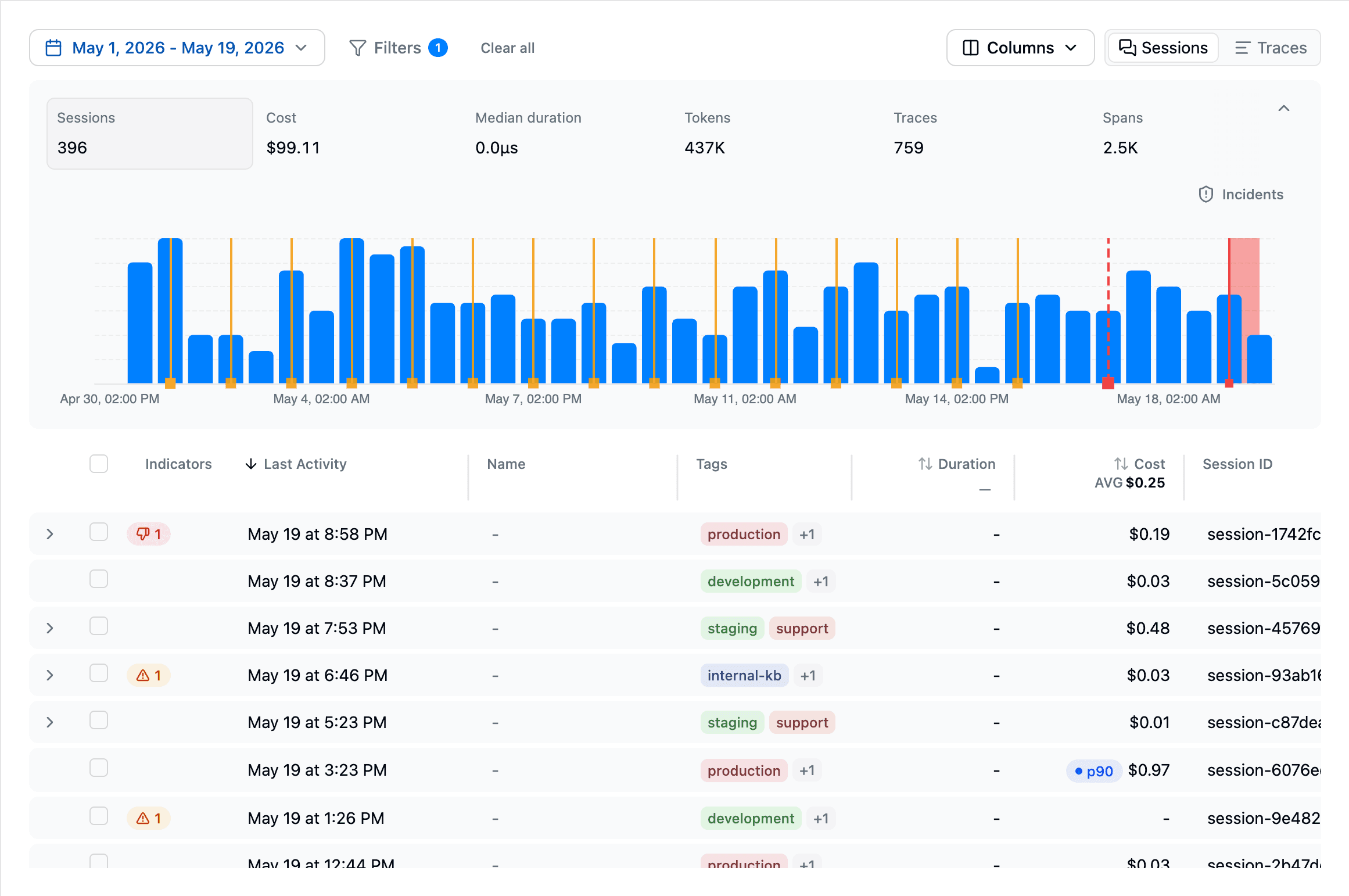
After running the agent, open your project in the Latitude dashboard to view the trace, with child spans for each model and tool call.
Notes
- Environment Variables: Ensure
LATITUDE_API_KEYandLATITUDE_PROJECTare set, and that the project slug matches a project in the organization that owns the API key. - Endpoint: The OTLP HTTP exporter appends
/v1/tracesto the baseOTEL_EXPORTER_OTLP_ENDPOINT. If you self-host Latitude, point the endpoint at your own ingestion host instead ofhttps://ingest.latitude.so. - Short-lived scripts: When tracing one-off scripts, call
tracer_provider.shutdown()(or use aBatchSpanProcessorand flush on exit) so the final batch of spans is exported before the process ends.
By following these steps, you can integrate Agno with Latitude, enabling comprehensive observability and evaluation of your AI agents.