AgentUI
An open-source AgentUI for your AgentOS
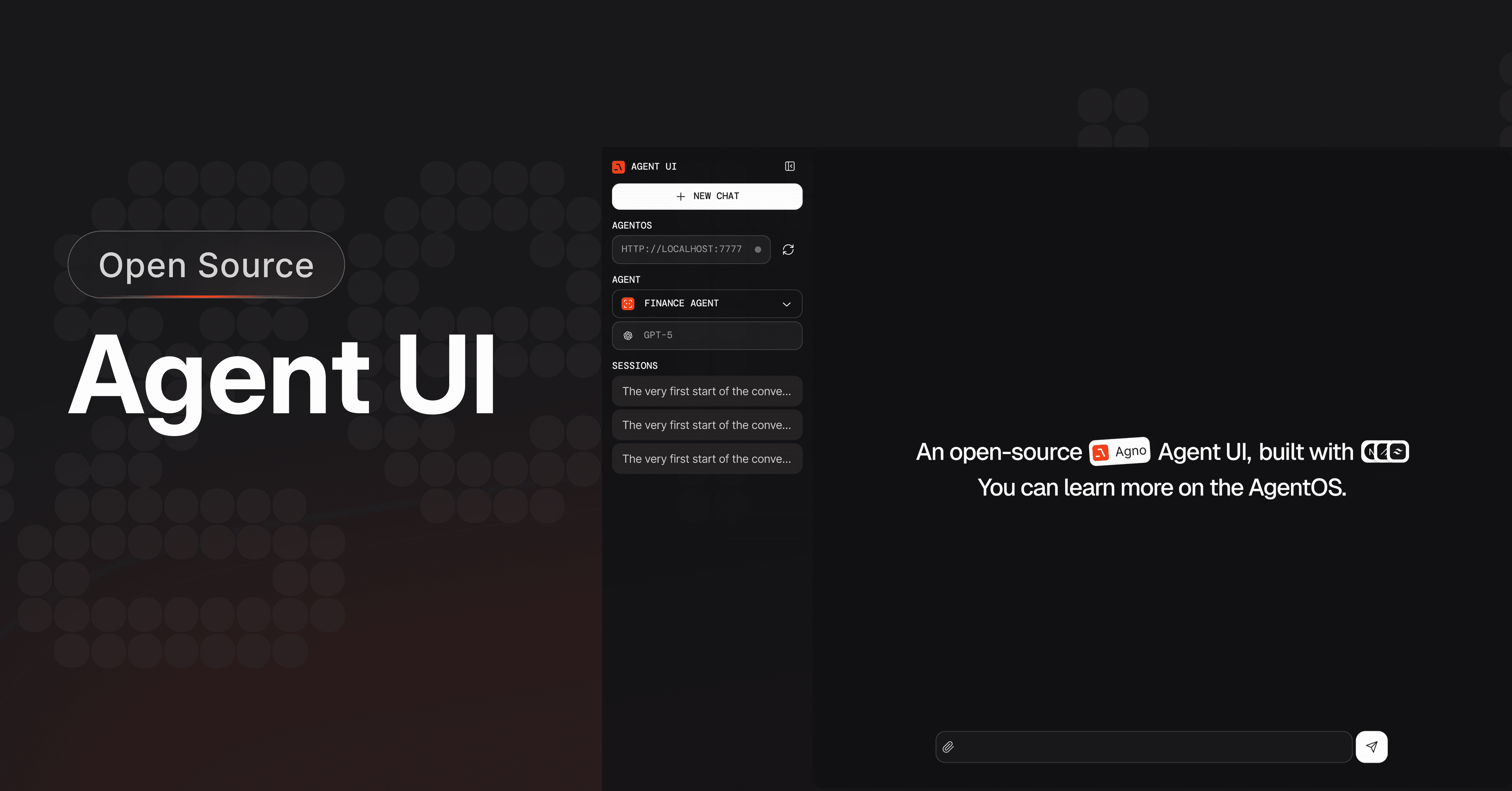
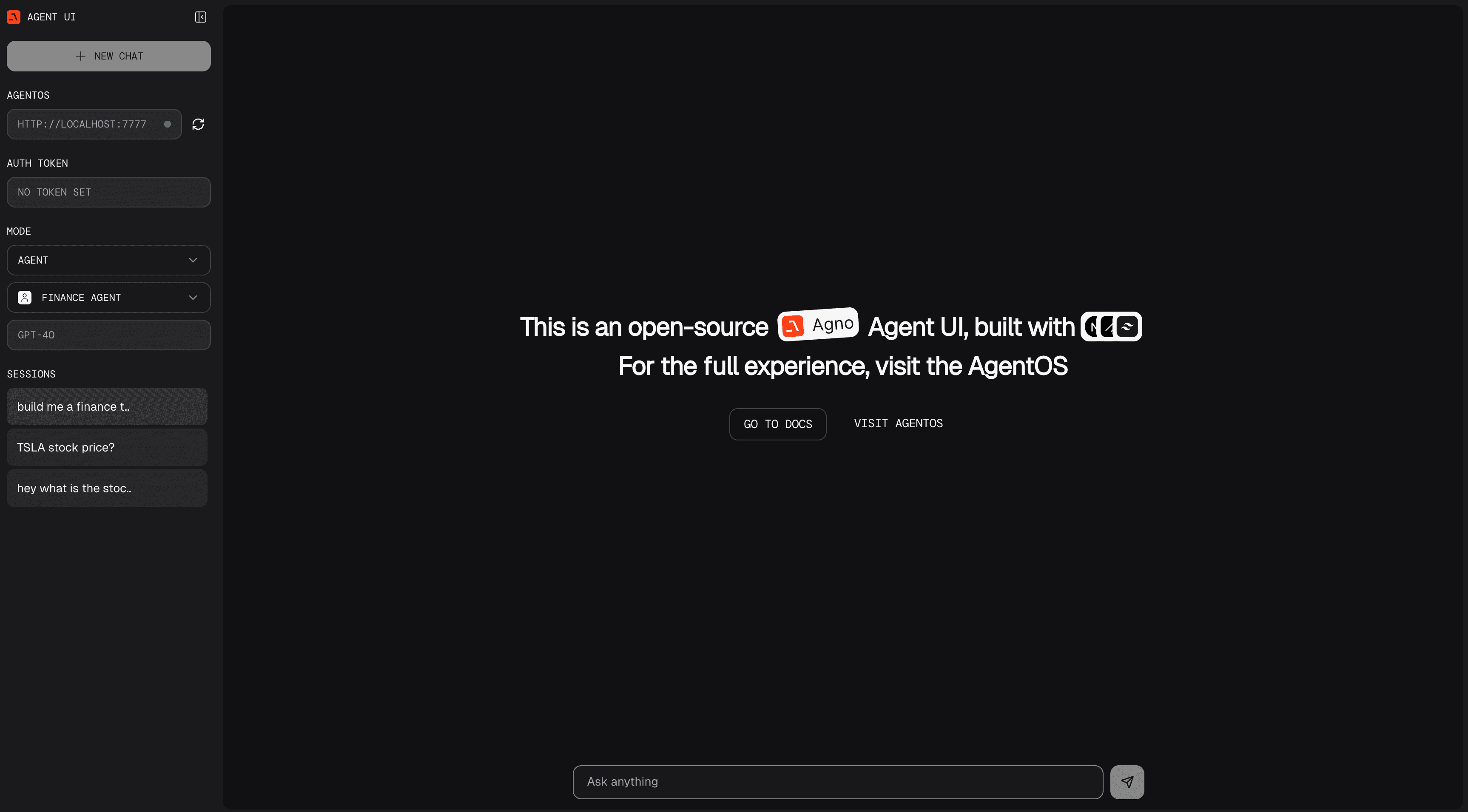
Agno provides an open-source UI for interacting with your agents. It's free to use and build on top of. Chat with agents and teams and browse their sessions. Memory and knowledge management screens are not part of this companion UI.
The UI connects directly to your configured AgentOS endpoint. The runtime uses your configured database and model providers; optional Agno telemetry sends configuration and run identifiers unless disabled.
Built with Next.js and TypeScript, the Open Source Agent UI was developed in response to community requests for a self-hosted alternative following the success of AgentOS.
Get Started with Agent UI
Install Node.js and npm first (or pnpm for the manual path). The companion README targets Agno v2; verify the UI features you use against your Agno v3 runtime when upgrading.
To clone the Agent UI, run the following command in your terminal:
npx create-agent-ui@latestEnter y to create a new project, install dependencies, then run the agent-ui using:
cd agent-ui && npm run devOpen http://localhost:3000 to view the Agent UI, but remember to connect to your local agents.
You can also clone the repository manually
git clone https://github.com/agno-agi/agent-ui.gitAnd run the agent-ui using
cd agent-ui && pnpm install && pnpm devConnect your AgentOS
The Agent UI needs to connect to an AgentOS server, which you can run locally or on any cloud provider.
Let's start with a local AgentOS server. Create a file agentos.py
from agno.agent import Agent
from agno.models.openai import OpenAIChat
from agno.os import AgentOS
from agno.db.sqlite import SqliteDb
from agno.tools.duckduckgo import DuckDuckGoTools
from agno.tools.yfinance import YFinanceTools

agent_storage: str = "tmp/agents.db"

web_agent = Agent(
    name="Web Agent",
    model=OpenAIChat(id="gpt-4o"),
    tools=[DuckDuckGoTools()],
    instructions=["Always include sources"],
    # Store the agent sessions in a sqlite database
    db=SqliteDb(db_file=agent_storage),
    # Adds the current date and time to the context
    add_datetime_to_context=True,
    # Adds the history of the conversation to the messages
    add_history_to_context=True,
    # Number of history responses to add to the messages
    num_history_runs=5,
    # Adds markdown formatting to the messages
    markdown=True,
)

finance_agent = Agent(
    name="Finance Agent",
    model=OpenAIChat(id="gpt-4o"),
    tools=[YFinanceTools()],
    instructions=["Always use tables to display data"],
    db=SqliteDb(db_file=agent_storage),
    add_datetime_to_context=True,
    add_history_to_context=True,
    num_history_runs=5,
    markdown=True,
)

agent_os = AgentOS(agents=[web_agent, finance_agent])
app = agent_os.get_app()

if __name__ == "__main__":
    agent_os.serve("agentos:app", reload=True)
In another terminal, run the AgentOS server:
Setup your virtual environment
python3 -m venv .venv
source .venv/bin/activate
Install dependencies
uv pip install -U openai ddgs yfinance "agno[os]"Export your OpenAI key
export OPENAI_API_KEY=sk-***Run the AgentOS
python agentos.pyagent_os.serve() matches your filename (e.g., "agentos:app" for agentos.py).View the AgentUI
- Open http://localhost:3000 to view the Agent UI
- Enter the
http://localhost:7777endpoint on the left sidebar and start chatting with your agents and teams!