The agentos-railway template is for teams that develop locally with Docker and deploy with Postgres on Railway. It includes:
  • Agent Builder, which creates agents, teams, and workflows.
  • Platform Manager, which inspects and explains the platform, eval history, deployment checks, and schedules.
  • Eight skills for setting up, building, testing, reviewing, and deploying the project with a coding agent.
Coding agents can use these skills with the AgentOS API, evals, traces, and container logs to inspect and improve the platform.

Get started

Copy the prompt below into Claude Code, Cursor, or Codex to clone, configure, and start the platform.
Prefer to drive yourself? Follow the manual steps below.

Manual setup

Prerequisites: Docker installed and running. An OpenAI API key.
1

Clone and configure

Edit .env and set OPENAI_API_KEY.
2

Start the platform

The first build takes a few minutes. Confirm the API is available at localhost:8000/docs.
3

Verify end to end

Prints MCP OK with the tool count and a real agent answer through the MCP endpoint.
4

Connect the AgentOS UI

  1. Open os.agno.com and sign in.
  2. Click Connect OS, enter http://localhost:8000, and name it Local AgentOS.
5

Build your first agent

  1. Chat with Agent Builder: “Build an agent that tracks AI news and writes a daily brief”. Go through the agent development process.
  2. Once created, click Refresh on the top right, pick the new agent from the Agents dropdown, and ask: “What’s new with Anthropic?”
  3. Ask Platform Manager: “How healthy is the platform?” It answers from eval history, deployment checks, schedules, and the agent you just built.
At this point, your AgentOS is running locally.

Connect your frontends

Deploy to production

Prerequisites: Railway CLI installed and railway login completed.
1

Create a production env

Edit .env.production with production values: a different OpenAI key, production-only credentials, a different Slack workspace.
2

Deploy

Provisions the AgentOS service and PostgreSQL on the same private network, creates your public domain, and sets AGENTOS_URL to it so scheduled jobs reach the platform.
3

Configure JWT verification

The script pauses for a JWT_VERIFICATION_KEY. Token-Based Authorization is on by default. Production startup requires that verification key or a readable JWKS file at the container path in JWT_JWKS_FILE; otherwise the process exits.
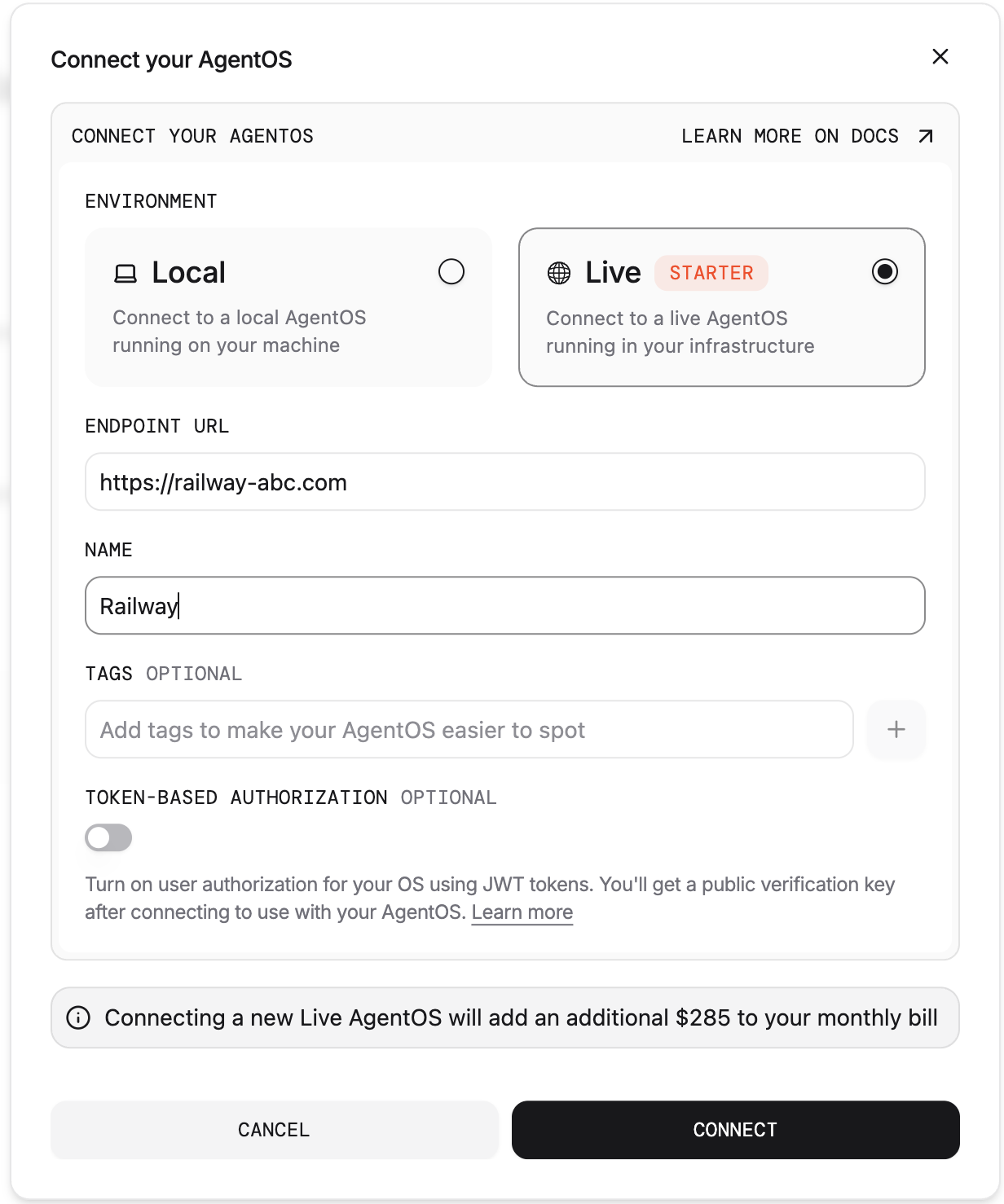
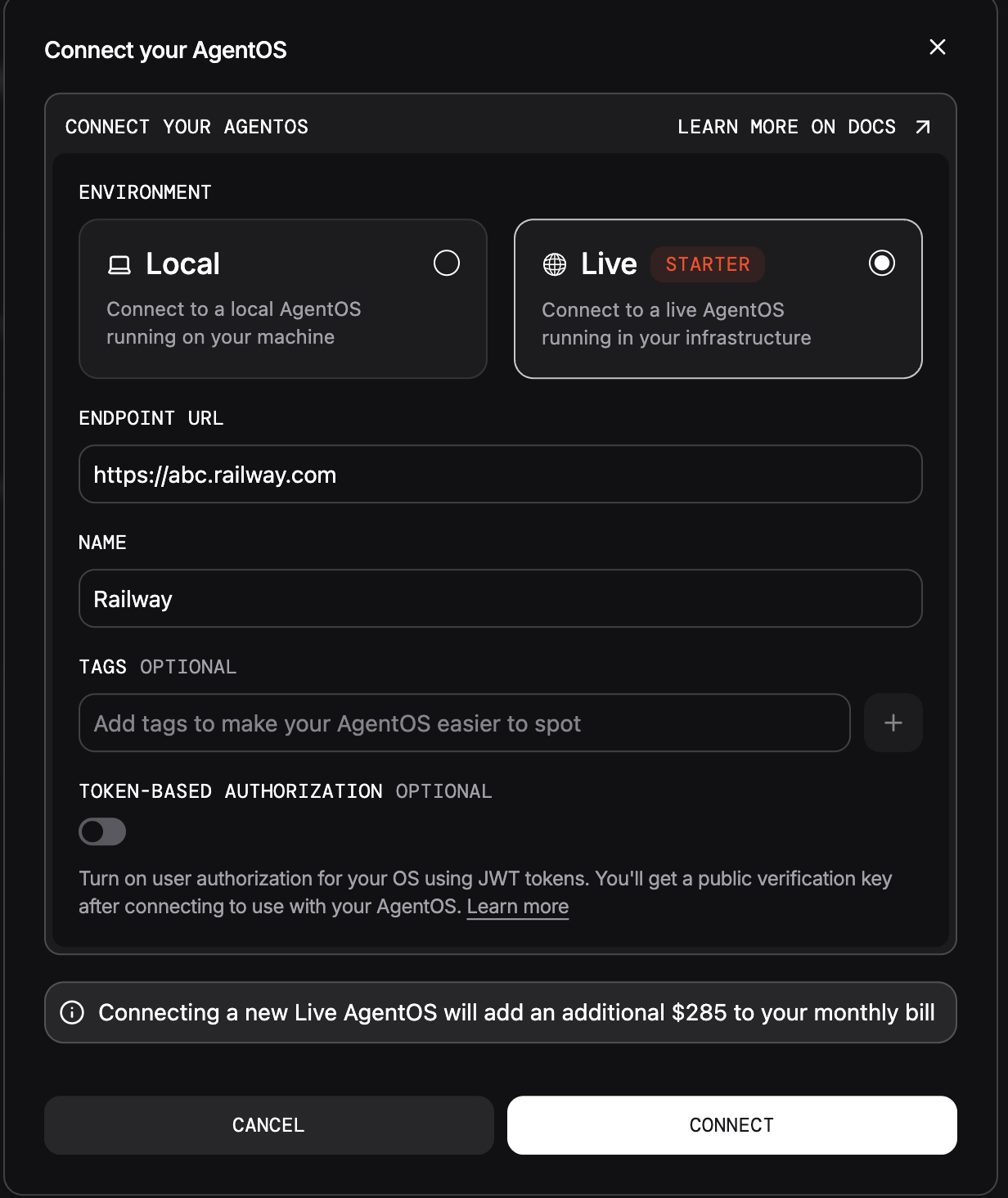
  1. Open os.agno.com, click Connect OSLive, and enter your Railway domain.
  2. Name it Live AgentOS, turn on Token-Based Authorization (JWT) on the connection panel, and connect. The UI generates the public key. If the OS is already connected, enable the setting under SettingsOS & Security.
  3. Copy the public key and paste the full PEM into the up.sh prompt. The script saves it to your env file and deploys.
If you skip the prompt, add JWT_VERIFICATION_KEY to .env.production later and run ./scripts/railway/env-sync.sh. For JWKS, add the file to the image build context and rebuild, or configure a mount. Set JWT_JWKS_FILE to its container path, then redeploy the service. The scripts only forward the path.
Live AgentOS connections are a paid feature. Use code PLATFORM30 for one month off.
4

Connect your MCP clients

Re-run uvx agno connect, this time pointed at your deployed domain:
For claude.ai and ChatGPT on the web: add https://<railway-domain>/mcp as a custom connector in the chat app’s connector settings. Leave the form’s optional OAuth fields (client ID / client secret) empty. Click Connect and, on the consent page, enter the MCP_CONNECT_SECRET that up.sh generated during deploy (saved in .env.production).
5

Confirm it's live

Open https://<railway-domain>/docs to confirm the API is serving.
Your AgentOS is live on Railway.

Redeploy after code changes

Sync environment variables

Tear down

Deletes the Railway project: the agent-os service, the pgvector database, and its volume, including all data. It also comments out the stale AGENTOS_URL in your env file so a future up.sh derives it fresh.

Next steps

Build with coding agents

Skills to create → improve → evaluate your platform using coding agents.

Railway reference

Commands, environment variables, troubleshooting.