

Basic Example
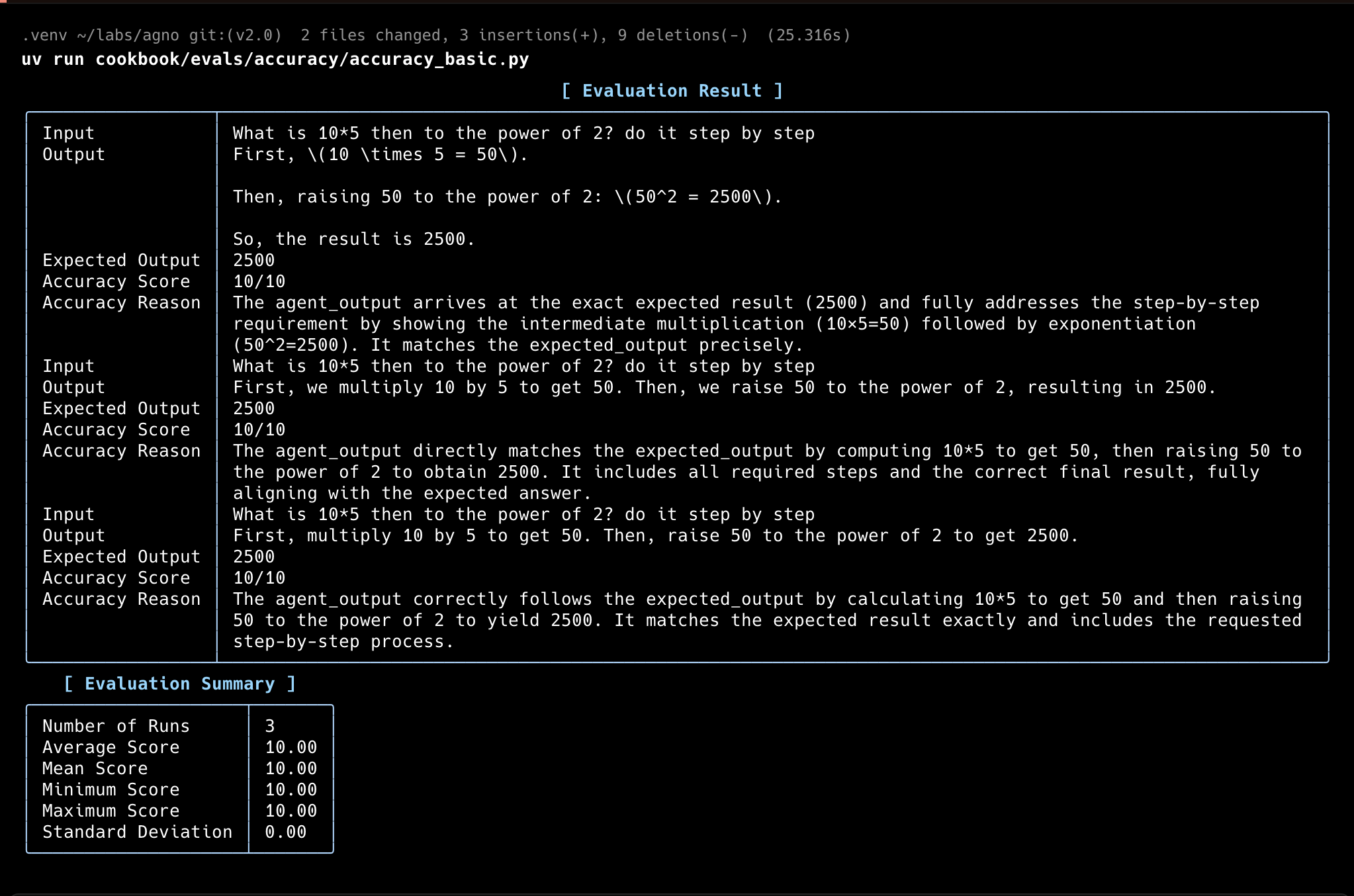
In this example, theAccuracyEval will run the Agent with the input, then use a different model (o4-mini) to score the Agent’s response according to the guidelines provided.
accuracy.py
Evaluator Agent
You can use another agent to evaluate the accuracy of the Agent’s response. This strategy is usually referred to as “LLM-as-a-judge”. You can adjust the evaluator Agent to make it fit the criteria you want to evaluate:accuracy_with_evaluator_agent.py
Accuracy with Tools
You can also run theAccuracyEval with tools.
accuracy_with_tools.py
Accuracy with given output
For comprehensive evaluation, run with a given output:accuracy_with_given_answer.py
Accuracy with asynchronous functions
Evaluate accuracy with asynchronous functions:async_accuracy.py
Accuracy with Teams
Evaluate accuracy with a team:accuracy_with_team.py
Accuracy with Number Comparison
This example demonstrates evaluating an agent’s ability to make correct numerical comparisons, which can be tricky for LLMs when dealing with decimal numbers:accuracy_comparison.py
Usage
1
Set up your virtual environment
2
Install dependencies
3
Run
Track Evals in your AgentOS
The best way to track your Agno Evals is with the AgentOS platform.evals_demo.py
For more details, see the Evaluation API Reference.
1
Run
2
View the Evals Demo
Head over to https://os.agno.com/evaluation to view the evals.