

Prerequisites
- Docker Desktop
- An API key from a model provider
- AWS CLI installed and configured (with credentials)
Step-by-step Guide
Install tools
- Install Docker Desktop
- Install uv (Python package manager)
Test locally (optional)
Deploy to AWS
- Docker image pushed to ECR
- RDS PostgreSQL instance
- ECS Cluster, Service, and Task Definition
- Application Load Balancer with Target Group
Get your endpoint
Find your Load Balancer DNS in the AWS Console (EC2 → Load Balancers). Navigate to
https://<load-balancer-dns>/docs to see your AgentOS API.Connect to the AgentOS control plane
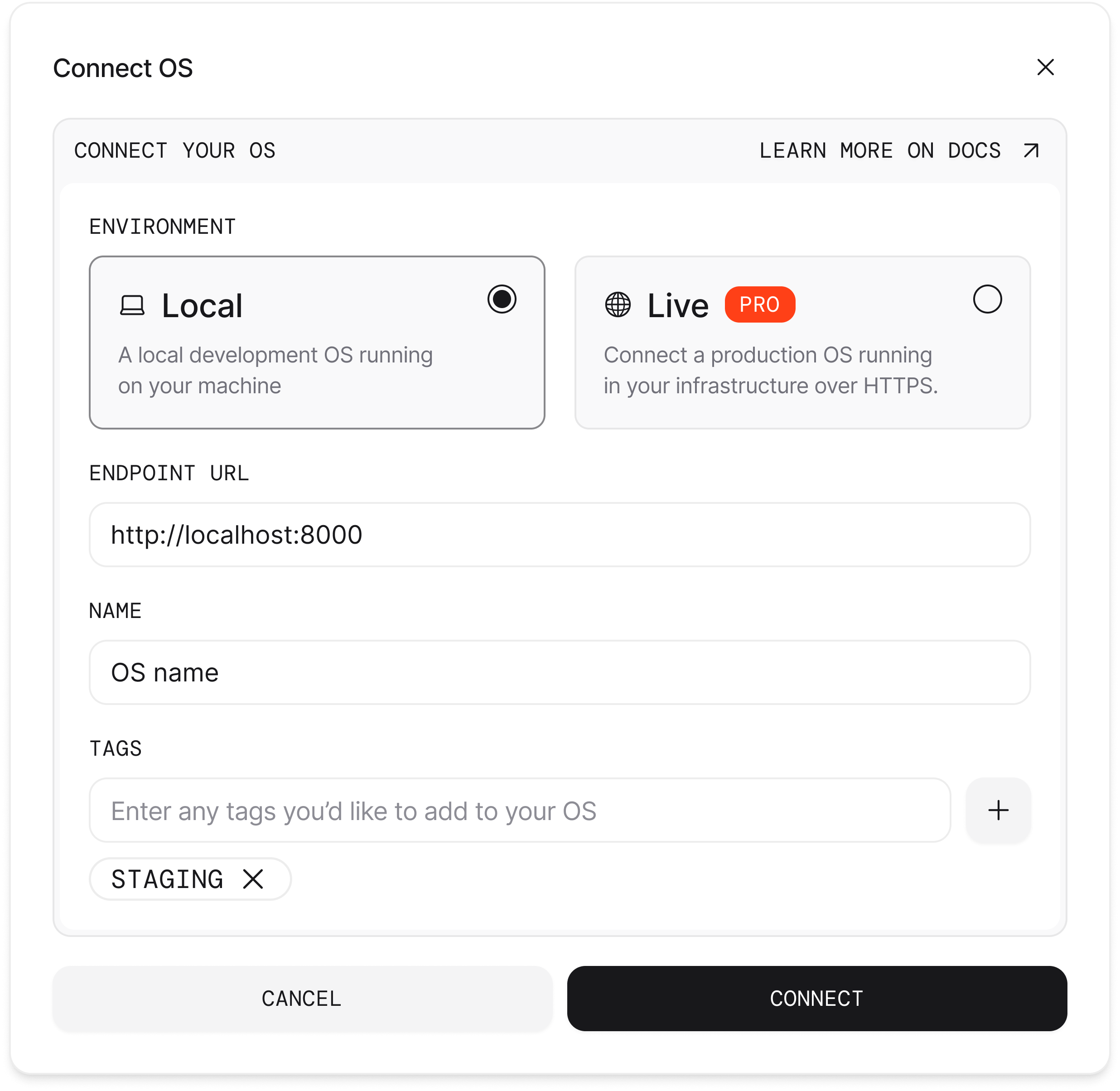
- Open os.agno.com
- Click “Connect OS” and select “Live”
- Enter your Load Balancer DNS as the endpoint
Tips
Manage AgentOS on AWS
Manage AgentOS on AWS
Update deployment: After making changes to your agents:Stop deployment:
Project Structure
Project Structure
AWS Resources Provisioned
AWS Resources Provisioned
The
ag infra up prd:aws command provisions the following AWS resources:- ECR: Container registry for your Docker image
- ECS Fargate: Serverless container hosting
- RDS PostgreSQL: Managed database with pgvector
- Application Load Balancer: HTTPS endpoint
- AWS Secrets Manager: Secure credential storage
- Security Groups: Network access controls
Cost Estimate
Cost Estimate
Estimated monthly costs (US East):
- ECS Fargate: $30-50
- RDS db.t3.micro: $15-20
- Load Balancer: $20-25
Troubleshooting
RDS not accessible
RDS not accessible
The RDS instance takes about 5 minutes to provision. Check status in the AWS
Console (RDS → Databases).
ECS task failing
ECS task failing
View task logs in CloudWatch. Common issues: missing environment variables,
incorrect database connection string.
Load Balancer returns 503
Load Balancer returns 503
The ECS service may still be starting. Wait 2-3 minutes for health checks to
pass.