Filter Options
Filter and search traces using structured queries, time ranges, and view toggles.
Filter stored traces in the AgentOS UI using the filter bar, the date picker, and the Runs/Sessions view toggle.
Construct Queries
The filter bar supports structured queries with autocomplete for field names, operators, and enum values.
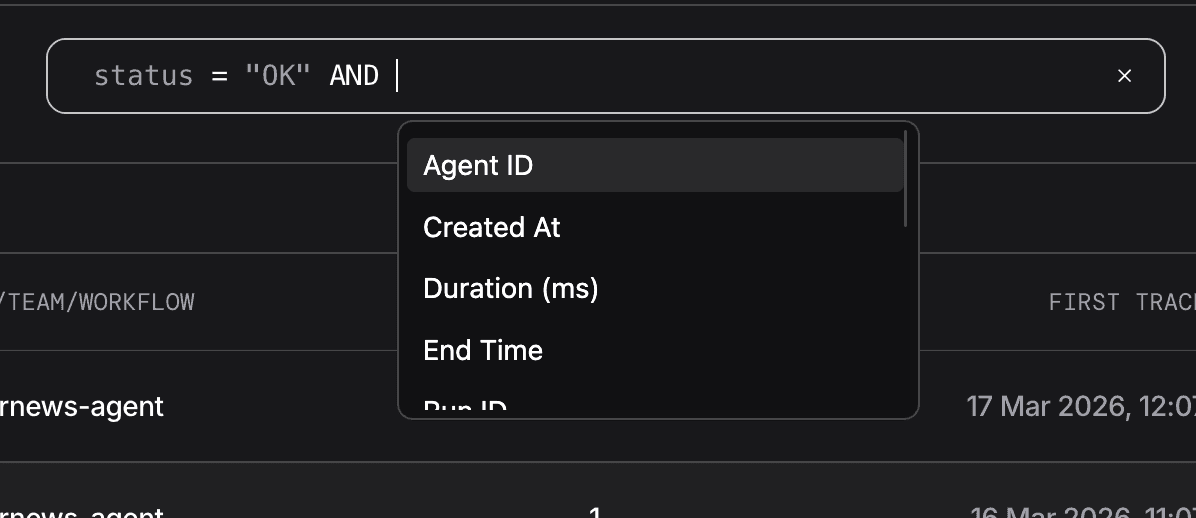
Syntax:
field operator valueFields
Fields are fetched dynamically and may vary. The defaults:
| Field | Type |
|---|---|
trace_id | text |
run_id | text |
session_id | text |
name | text |
status | enum: OK, ERROR |
user_id | text |
agent_id | text |
team_id | text |
workflow_id | text |
created_at | datetime |
start_time | datetime |
end_time | datetime |
duration_ms | number |
Operators
| Operator | Symbol | Works With |
|---|---|---|
| Equals | = | text, number, enum |
| Not equals | != | text, number, enum |
| Greater than | > | number, datetime |
| Greater than or equal | >= | number, datetime |
| Less than | < | number, datetime |
| Less than or equal | <= | number, datetime |
| Contains | contains | text |
| Starts with | startswith | text |
| In (multiple values) | in | text, enum |
Operator support varies by field. name (Trace Name) supports =, !=, contains, and startswith, but not in.
Combining Conditions
AND: all conditions must matchOR: any condition must match- Operators and keywords are case-insensitive (
and,AND,Andall work)
Examples
Single condition:
status = OKsession_id = 625185b5-6a7a-43bd-afae-339a989ea1ccText matching:
agent_id contains my-agentagent_id startswith chatbotMultiple conditions:
status = OK AND agent_id = my-agentstatus in "ERROR" AND agent_id != "test-agent"Mixed operators:
status = OK AND agent_id = my-agent OR team_id = my-teamTime Filters
The date picker sits next to the filter bar.
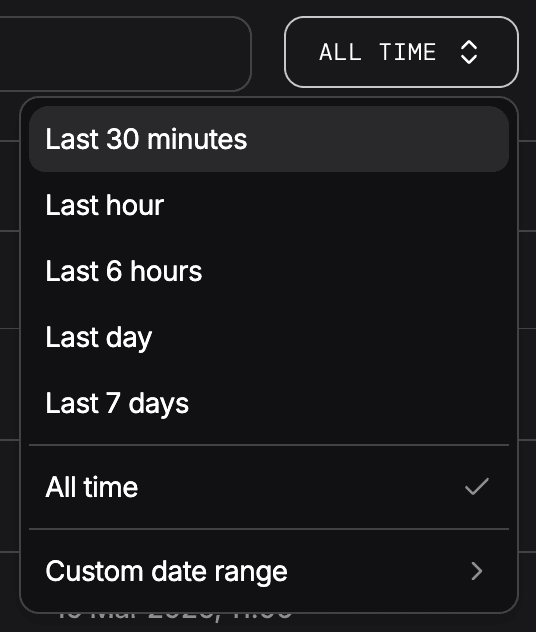
| Preset |
|---|
| Last 30 minutes |
| Last 1 hour |
| Last 6 hours |
| Last 1 day |
| Last 7 days |
| All time |
| Custom (pick start and end dates) |
The filter bar and date picker are mutually exclusive. Applying a text filter clears the date range. Picking a date range clears the text filter.
Views
Toggle between two views using the Runs / Sessions tab at the top right of the filter bar.
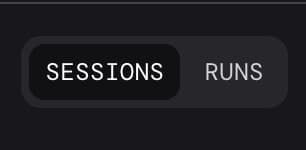
- Runs: individual trace executions
- Sessions: traces grouped by session